Today
By hand, at the PC
- Read the ticket photo
- Type every name and flight again
- Copy each passport by hand
- Write the money in a notebook
For travel agencies
Snap a photo. Parvaz writes the ticket and the books — in Dari, Pashto or English.
Works on your phone, tablet and computer.


Most agencies still do it all by hand. Parvaz does the typing for you.
Today
With Parvaz
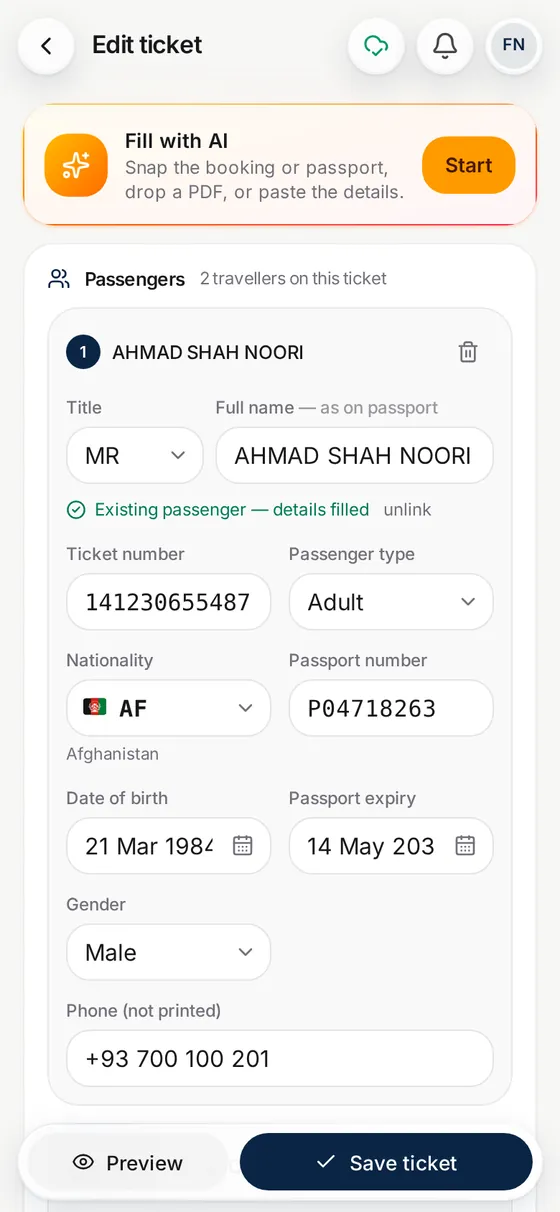
You check, tap Save and share. No PC needed.
Three steps. About one minute.
Step 1
Photograph the booking or a passport. A PDF or a WhatsApp message works too.
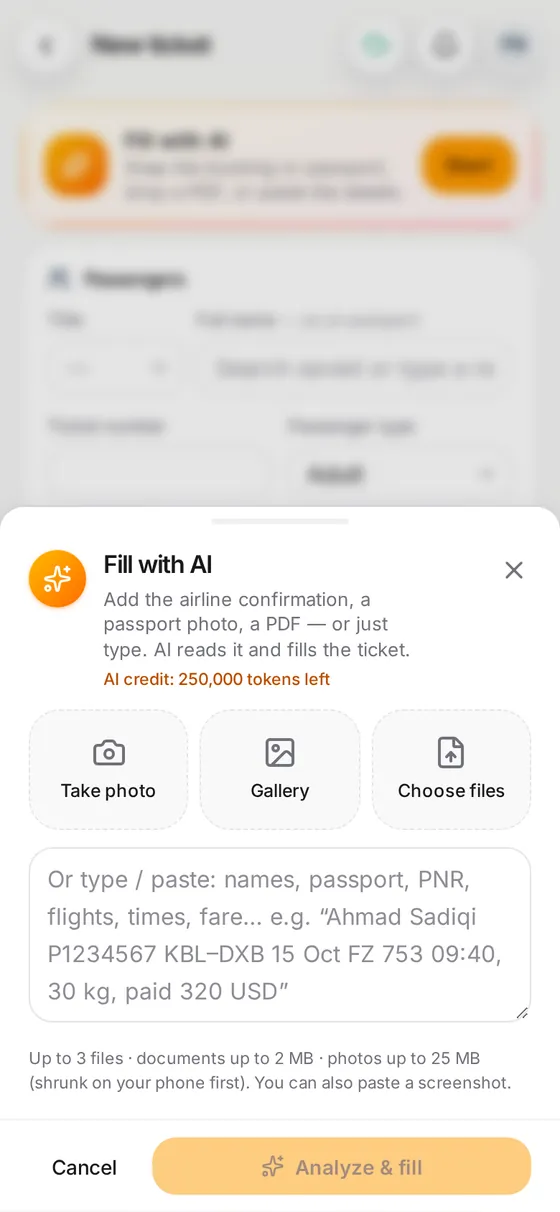
Step 2
Names, flights, dates and prices go in the right places. You just check.
Step 3
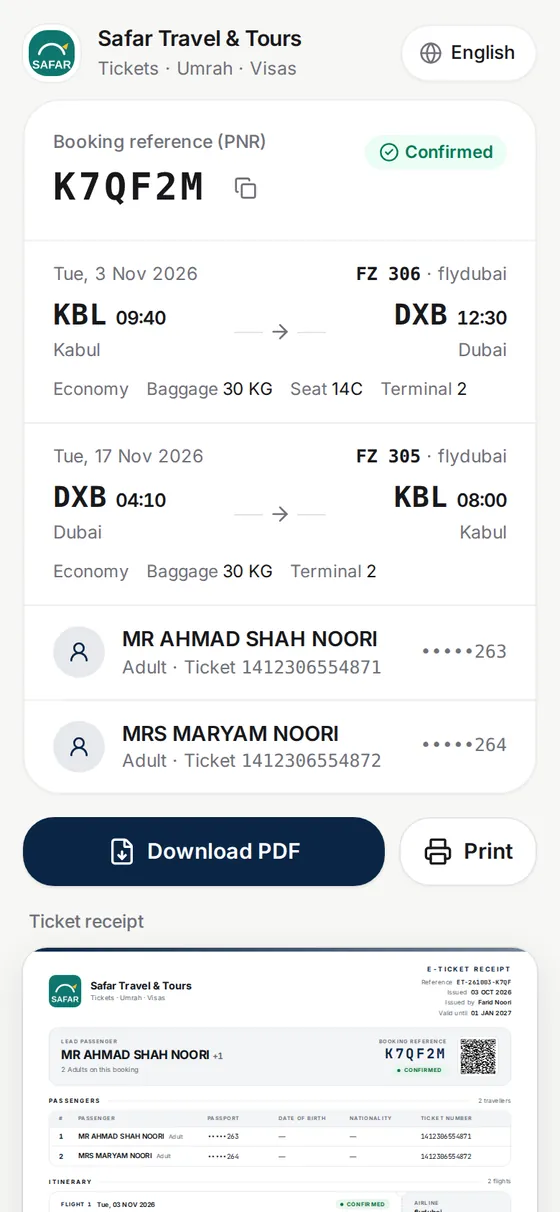
Send a clean PDF on WhatsApp, or print it. Or send your customer a link.
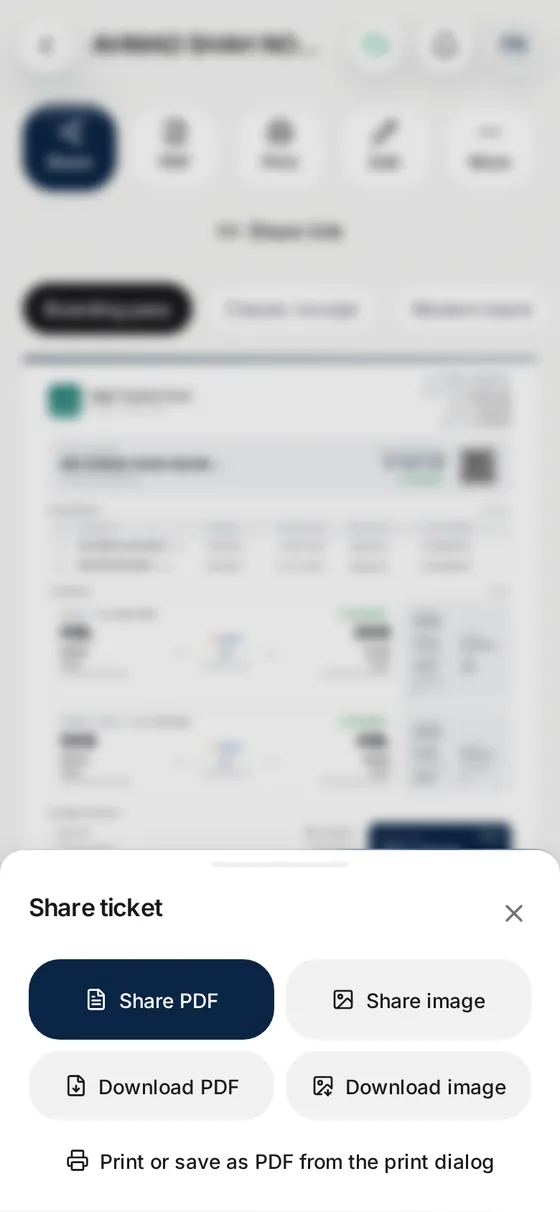
See Parvaz turn a photo into a ticket.
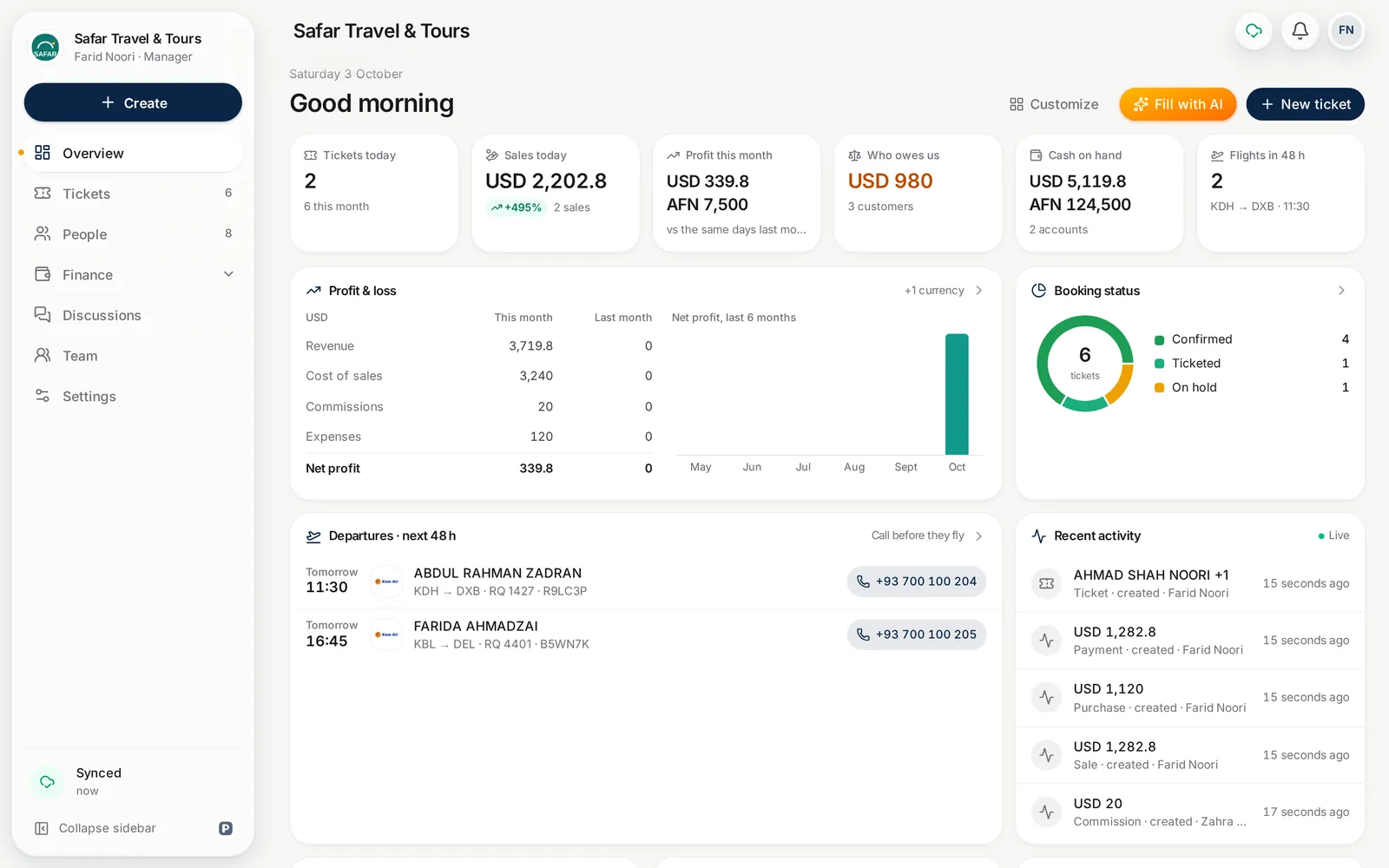
Simple screens and big buttons, for busy days.
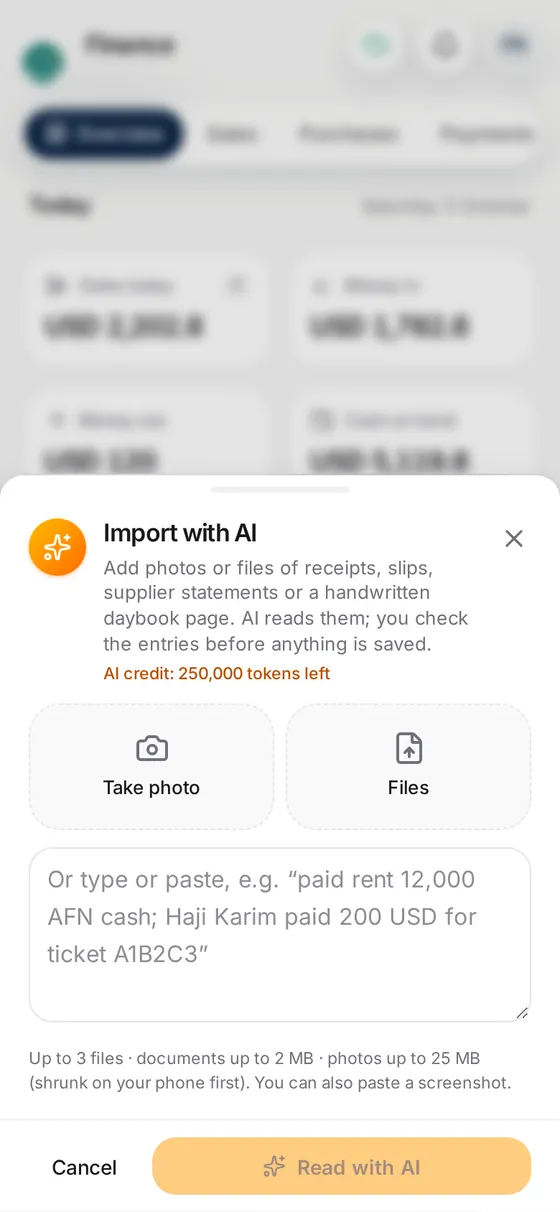
Give Parvaz a photo, a PDF or the WhatsApp message. It fills names, flights, times and fares.
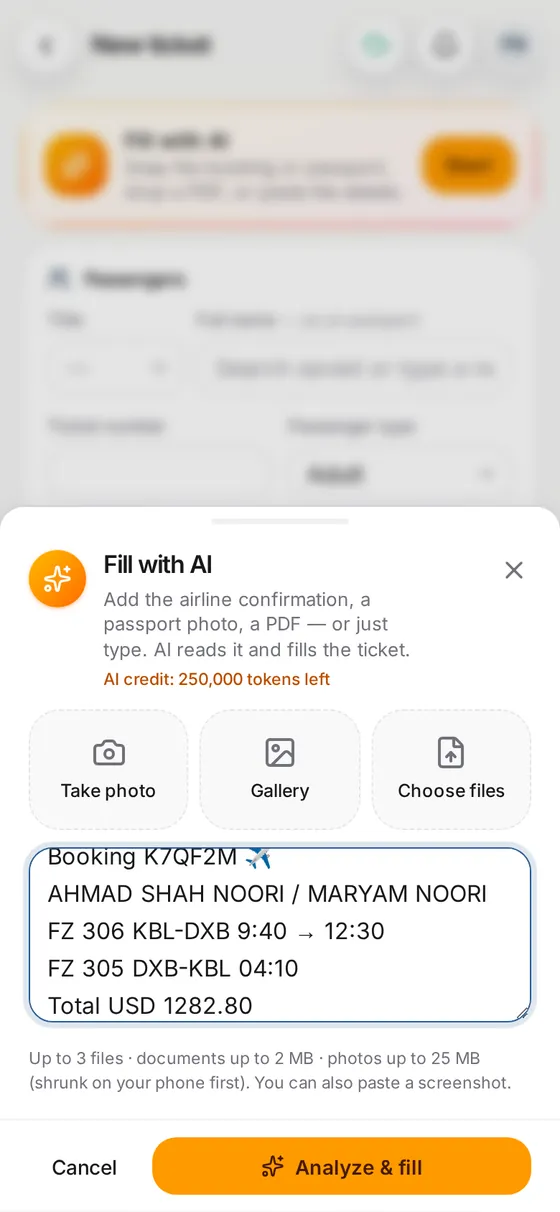
Snap a passport. AI adds the person to your address book, ready for the next trip.
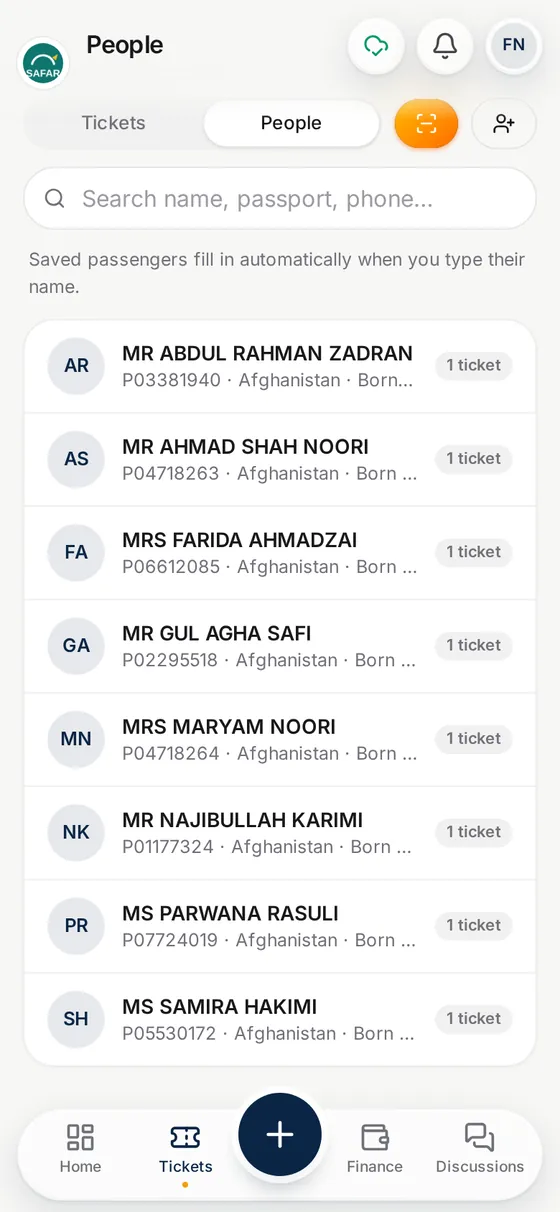
Photograph a receipt, a hawala slip or a daybook page. AI writes it into your accounts.
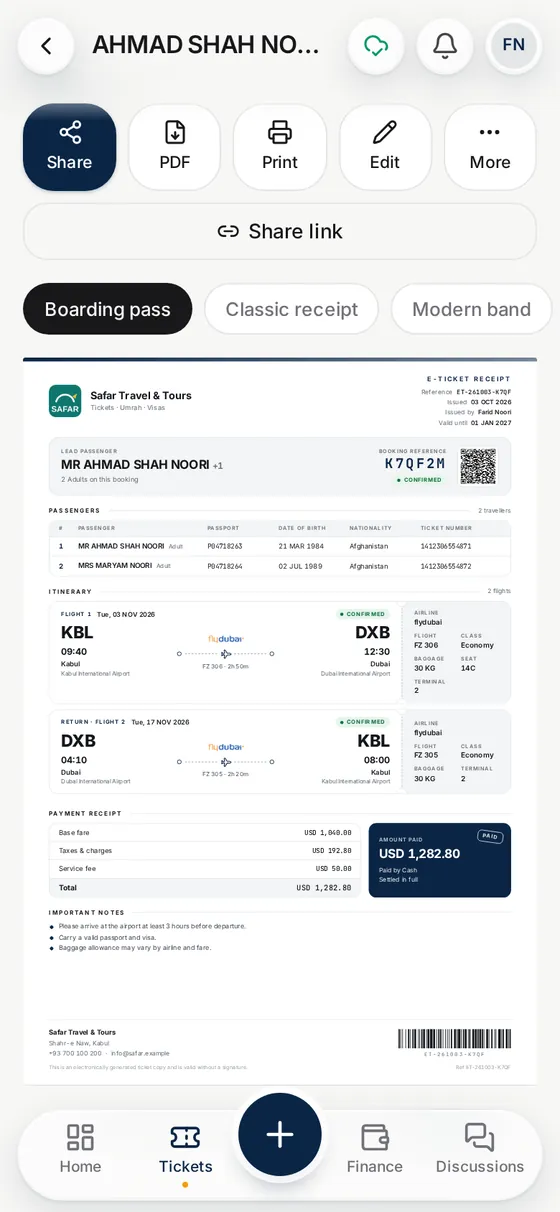
Clean designs with your logo. Share as a PDF or print.
Your customer opens the ticket on their phone. No app, no account.
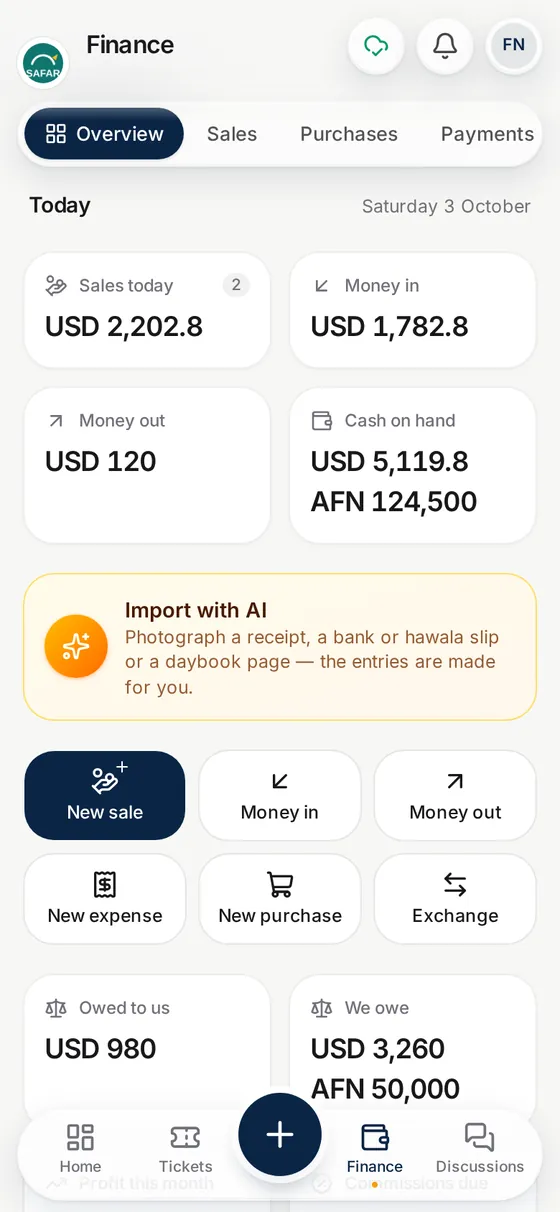
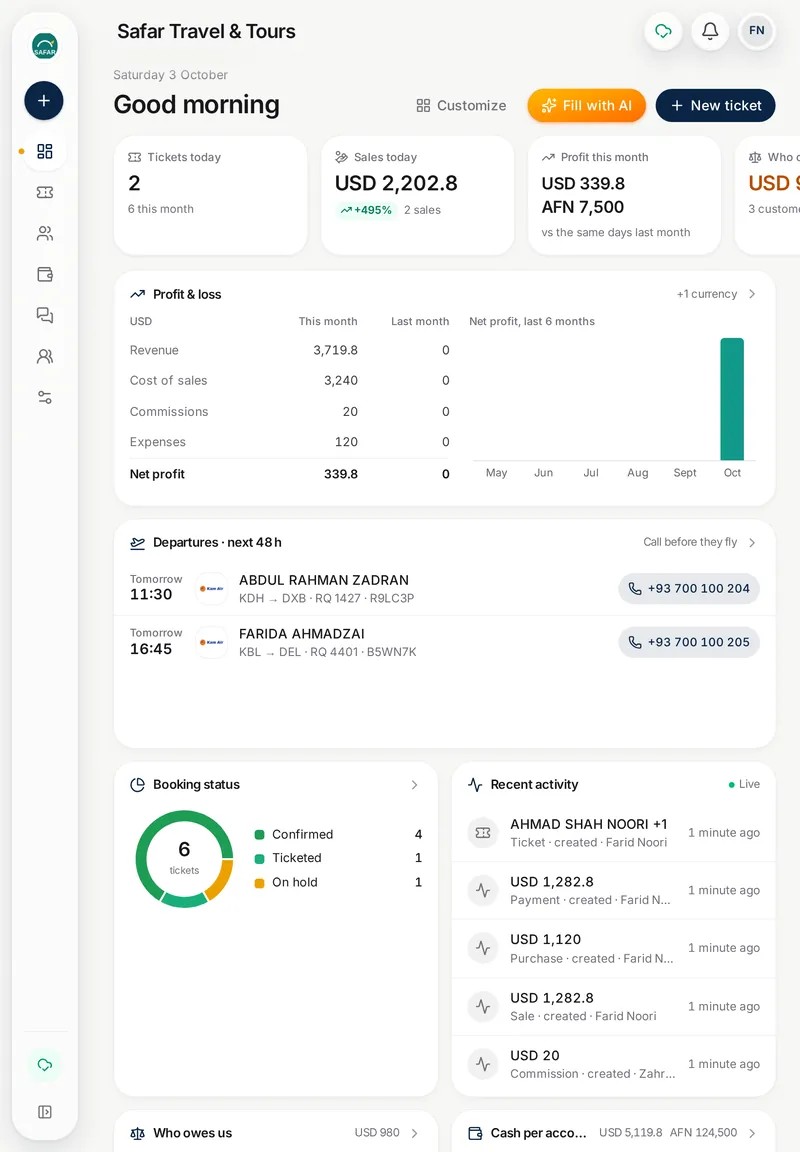
Sales, purchases, expenses and who owes you. Always up to date.
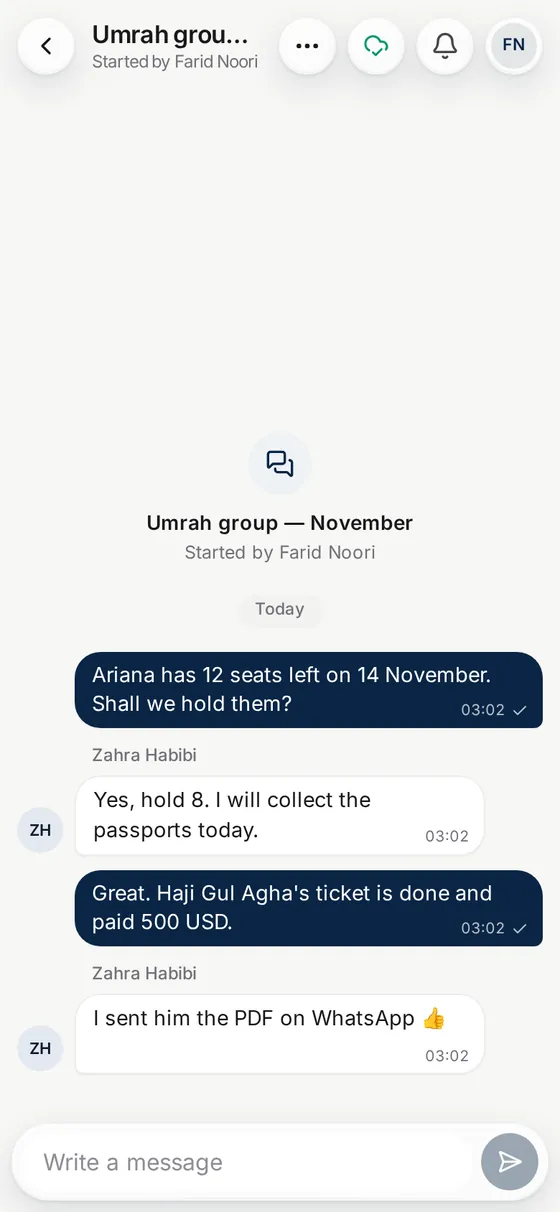
Chat with your staff. See every change the moment it happens.
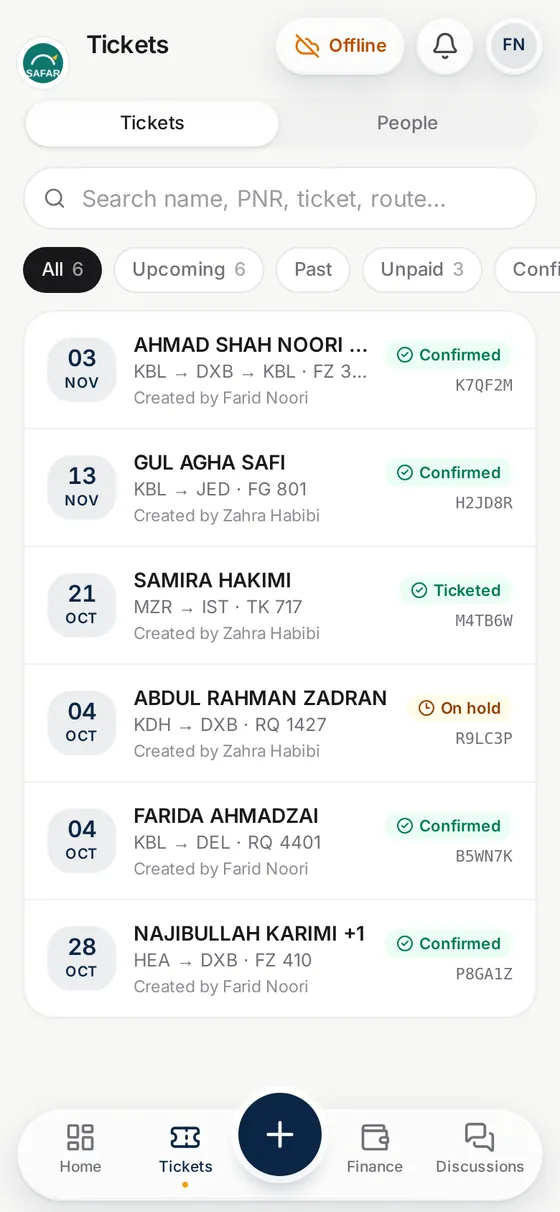
Keep working when the internet drops. Parvaz sends everything when it is back.
Start on your phone, finish on the computer. The same data everywhere.
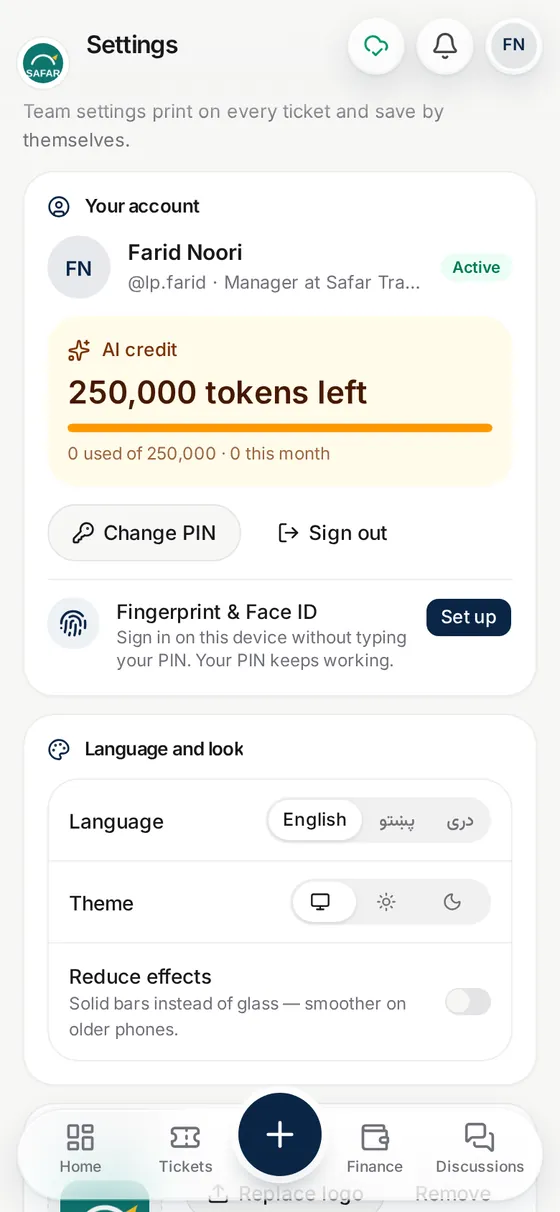
Open Parvaz with your fingerprint or your face. No long passwords.
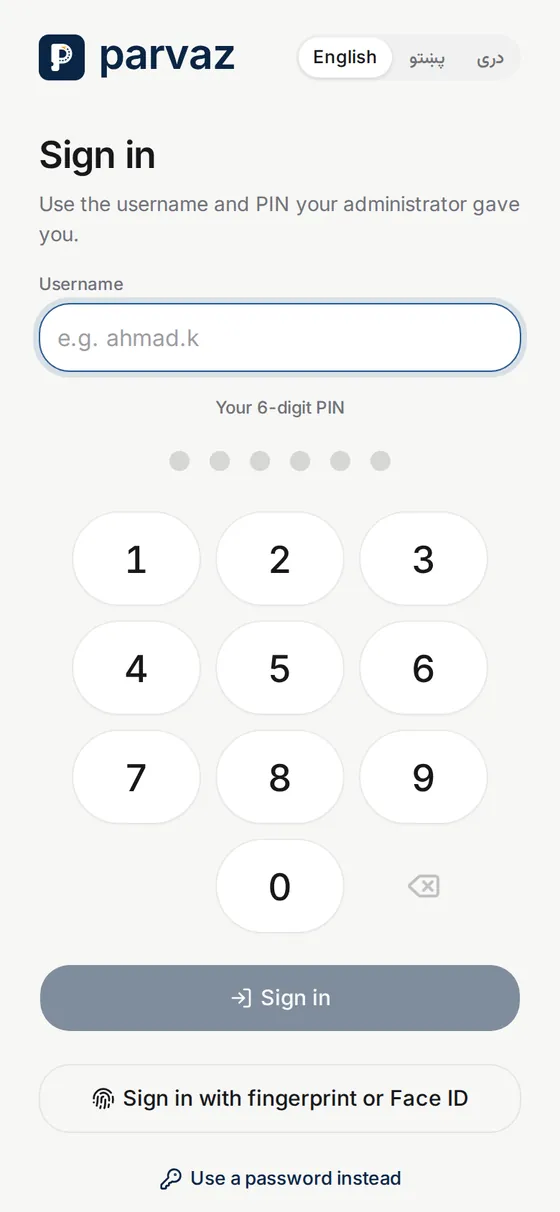
Dari, Pashto or English. Each person picks their own.
Afghan routes, airlines and money are already in Parvaz. Nothing to set up.
Kabul, Herat, Mazar, Kandahar and the whole world. Type a city, Parvaz finds it.
Ariana, Kam Air, flydubai, Turkish, Emirates, Qatar and many more, with their logos.
Prices in afghani, dollars or dirhams. Parvaz keeps each one separate.
Departures
| From | To | Airline |
|---|---|---|
| KBLKabul | DXBDubai | flydubai |
| KBLKabul | JEDJeddah | Ariana Afghan |
| MZRMazar-i-Sharif | ISTIstanbul | Turkish Airlines |
| HEAHerat | DXBDubai | Kam Air |
| KDHKandahar | ISBIslamabad | PIA |
| KBLKabul | DELDelhi | Kam Air |
Your tickets, customers and money are only for your team. Other agencies never see them.
Each person has their own PIN or fingerprint. Managers decide who can see the money.
Open Parvaz in the browser on any phone or computer. Add the app only if you want.
No. Parvaz works fully on a phone. A tablet or a computer works too, with the same data.
Keep working. Parvaz saves everything on your phone and sends it when the internet comes back.
AI does the typing, you stay in charge. Always look over the details before you tap Save.
Yes. Add your staff and choose who makes tickets, who sees the money and who can only look.
Dari, Pashto and English. Each person picks their own. Tickets print in English, as airlines expect.
We open an account for your agency and give you a username and a PIN. Sign in on any phone and make your first ticket the same day.